LOCAL-FIRST · OPEN SOURCE

MonoField Code / design / documents

Connect a project and work with the agent you choose—from code and live UI verification to finished documents.

Windows · local-first · Apache-2.0 · unsigned release with SHA-256 checksums

01 / PROJECT MODES

Choose howyou start.

Development and documents / design share the same project context.

Software developmentCode, run, diff, browser, and governed data in one project.
monofield Home commerce-platformC:\work\commerce×
BrowserChanges 2Documents 1
localhost:3000/ordersApproved
ACME / OPS
OPERATIONS

Orders

Today128+12%Pending143 urgentCompleted1,28498.4%
2
Search ordersStatus: allLast 30 days
IDCustomerStatusTotal

#ORD-1048Northstar LabsProcessing€1,240

#ORD-1047NorthwindReady€892

#ORD-1046ContosoDelivered€2,410

3DOMbutton.order-create40 × 124 · #111111
4Card gap24px → 16px
Review items 4[DOM] Primary action[AREA] Filter spacing[ADJUST] 24px → 16px
Mark the target. Change the code. Build and verify the interaction.folder → diff → build → browser → data

02 / ESSENTIALS

One project. Three things that matter.

01

Build and verify

Review diffs, run the project, and verify the real UI in the built-in browser.

02

Create and deliver

Turn project evidence and references into specs, slides, prototypes, and exports.

03

Choose the engine

Use Codex, Claude Code, Gemini, OpenCode, or your compatible endpoint.

03 / GET STARTED

Download. Open a folder. Start.

The first-run walkthrough shows both project modes. The illustrated guide is there when you need more detail.

  1. 01First run · choose a project mode and folder
  2. 02Development · seven practical steps
  3. 03Documents/design · four practical steps
  4. 04Illustrated workflows · setup to troubleshooting

Windows · local-first · Apache-2.0

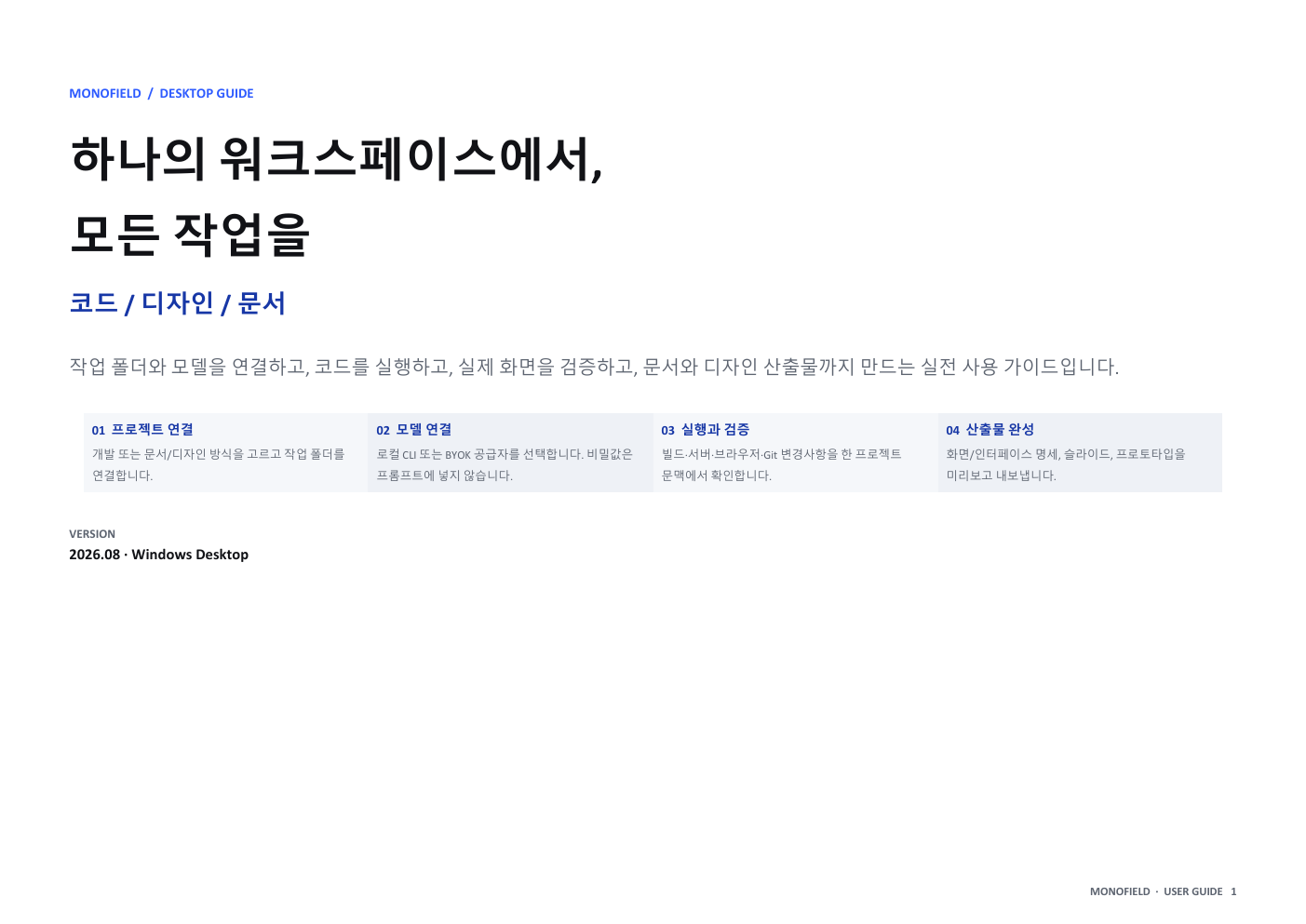
MonoField user guide cover MONOFIELD / USER GUIDEOpen PDF ↗